


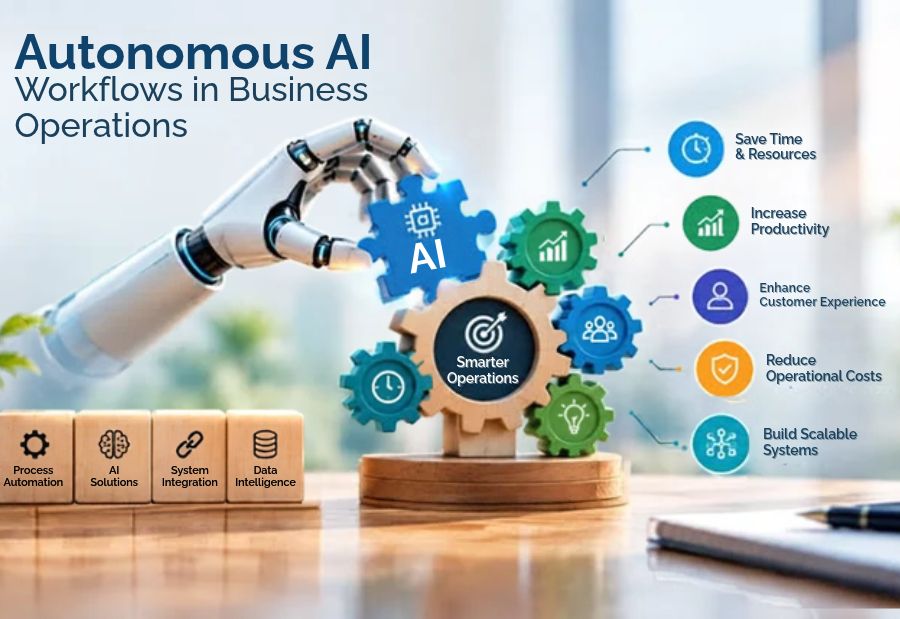
Autonomous AI workflows can perform multi-step tasks, interact with business applications and make decisions based on defined objectives. These capabilities can help organisations automate repetitive work, speed up processes and support faster decision-making. However, greater autonomy also introduces risks involving data access, incorrect actions, security and accountability.
Understanding autonomous AI workflow risks helps businesses establish safeguards before connecting AI systems to important operational processes.
What Are Autonomous AI Workflows?
Autonomous AI workflows use AI systems to carry out a sequence of tasks with limited human intervention. For example, a workflow may review incoming support requests, retrieve relevant information, prepare a response and update a ticketing system.
Unlike basic automation that follows fixed rules, AI-driven workflows may interpret changing information and choose actions based on context. This flexibility can improve efficiency, but it can also make behaviour harder to predict and control.
1. Incorrect Decisions and Actions
AI systems can misunderstand instructions, rely on incomplete information or generate inaccurate outputs. If a workflow can act on those outputs directly, an error may lead to an incorrect customer response, an unnecessary account change or an inaccurate business record.
Organisations should define which actions an AI workflow can perform independently. High-impact decisions, such as approving financial transactions or changing access permissions, should require appropriate human review.
2. Excessive Access to Business Systems
Autonomous workflows often need access to documents, databases, email platforms and business applications. If they receive broader permissions than necessary, a mistake or compromised workflow could affect sensitive systems and information.
Businesses should apply least-privilege access, separate permissions by task and review service identities regularly. Credentials should be stored securely rather than embedded in prompts, scripts or configuration files.
3. Prompt Injection and Untrusted Information
AI workflows may process emails, documents, web pages and other external content. Malicious instructions hidden in these sources can attempt to influence the system’s behaviour. This is commonly associated with prompt injection.
For example, an AI assistant reviewing a document could encounter instructions intended to make it reveal restricted information or perform an unauthorised action. Organisations should treat retrieved content as untrusted input, isolate instructions from data and validate actions through independent security controls.
4. Uncontrolled Actions Across Multiple Systems
A workflow may interact with several connected applications. If an early step produces an incorrect result, later steps may repeat or amplify the mistake.
Businesses should use explicit approval checkpoints, transaction limits and validation rules for sensitive operations. Systems should also support action logs, rollback procedures and clear limits on the number or type of actions a workflow can perform.
5. Data Privacy and Compliance Risks
Autonomous AI workflows may process personal information, confidential documents or commercially sensitive data. Sending this information to an unapproved model or retaining it longer than necessary can create privacy and compliance concerns.
Teams should classify the data that workflows can access, define retention requirements and review how AI providers handle submitted information. Access should be restricted according to the purpose of each workflow.
6. Limited Visibility and Accountability
When AI systems operate across several tools, it may be difficult to determine why a particular action occurred. Without detailed records, teams may struggle to investigate failures or establish responsibility.
Organisations should maintain logs covering inputs, outputs, tool calls, approvals and changes made to business systems. Monitoring should track error rates, unexpected actions and changes in workflow behaviour.
How Businesses Can Reduce These Risks
Managing autonomous AI workflow risks requires controls throughout the system lifecycle. Before deployment, teams should test workflows against incorrect inputs, malicious instructions and unexpected situations. During operation, they should monitor performance, review permissions and maintain a clear process for stopping unsafe activity.
AI governance should also assign responsibility for system ownership, incident response and approval of high-impact use cases. A workflow should be expanded gradually as testing demonstrates that it operates reliably within defined boundaries.
Final Thought
Autonomous AI workflows can support more efficient business operations, but autonomy should be matched with appropriate oversight. Restricted permissions, reliable testing, human approval and detailed monitoring help reduce the consequences of errors. The Mainstream continues to cover developments in AI adoption, cybersecurity and responsible technology management.