


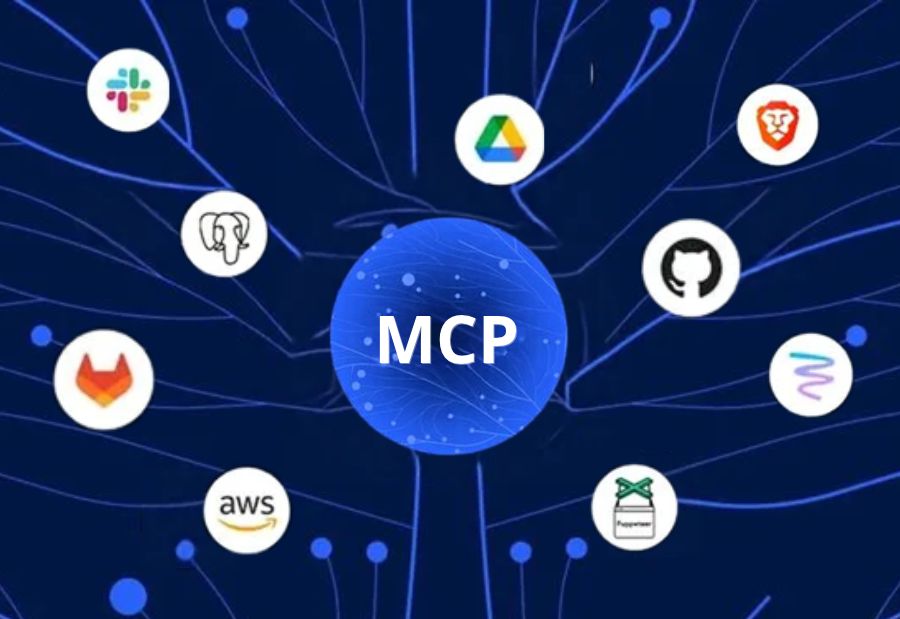
The Model Context Protocol (MCP) enables AI applications to connect with external tools, data sources and services through a standardised interface. It can help AI assistants retrieve information, access business systems and perform tasks across different environments. However, these connections also introduce security considerations that organisations must address before deploying MCP at scale.
MCP security focuses on protecting the communication, identities, permissions and data involved in these interactions. As businesses adopt AI assistants and agent-based workflows, understanding these risks becomes important for cybersecurity and technology teams.
What is Model Context Protocol Security?
Model Context Protocol security refers to the controls and practices used to protect MCP-based connections between AI applications and external systems.
An MCP architecture can involve an AI host, an MCP client and one or more MCP servers. Servers may expose tools that perform actions, resources that provide information, or prompts that support specific workflows. Depending on the implementation, these connections may involve internal databases, cloud services, files or business applications.
Security measures must therefore cover both the protocol connection and the actions performed through it. A secure connection alone does not guarantee that every requested action is safe or properly authorised.
Why Does MCP Security Matter?
MCP can expand what AI applications are able to access and do. If permissions are too broad or a connected server is compromised, an AI workflow could expose sensitive information or perform an unintended action.
Several risks deserve attention:
- Unauthorized access: Weak authentication or access controls may allow an unauthorised user or application to reach protected resources.
- Excessive permissions: An AI assistant may receive more access than required to complete its task.
- Sensitive data exposure: Business information could be returned to an AI workflow or destination that should not receive it.
- Tool misuse: An exposed tool may be invoked in an unintended way, potentially changing records or initiating actions.
- Prompt injection: Malicious instructions embedded in external content may influence an AI system’s decisions and tool usage.
- Third-party risk: An MCP server or integration maintained by an external provider may introduce vulnerabilities or unexpected behaviour.
These risks depend on the implementation, the connected tools and the permissions granted. They should be assessed as part of the organisation’s broader AI security programme.
5 Ways to Strengthen MCP Security
1. Enforce Strong Authentication
Require appropriate authentication for connections between clients and servers. Where supported, use secure, standards-based authorisation mechanisms and validate credentials carefully.
Tokens should be protected, scoped appropriately and rotated when necessary. Organisations should also avoid relying on shared credentials that make individual actions difficult to trace.
2. Apply Least-Privilege Access
Grant each AI application and MCP server only the permissions required for its defined purpose. A system that only needs to read a report should not automatically receive permission to modify records or delete files.
Review permissions whenever workflows change and remove access that is no longer necessary.
3. Validate Tool Inputs and Actions
MCP tools should validate inputs, enforce business rules and restrict the actions they can perform. Sensitive operations may require additional approval or confirmation before execution.
For example, an AI assistant that can retrieve customer information should not automatically be allowed to export an entire customer database.
4. Monitor Activity and Maintain Audit Logs
Record relevant connection events, tool invocations, access decisions and errors. Logs should help security teams determine which application performed an action, what resource was involved and whether the action was authorised.
Monitoring can help identify unusual activity, repeated access failures and unexpected use of sensitive tools. Protect logs themselves from unauthorised access or modification.
5. Assess Servers and Connected Integrations
Review MCP servers, dependencies, configurations and third-party integrations before connecting them to sensitive systems. Use trusted sources, keep components updated and remove unused servers or tools.
Organisations should also test how systems respond to malicious instructions, unexpected inputs and attempts to exceed granted permissions.
MCP Security and AI Governance
Technical controls are only one part of a secure deployment. Organisations should define who can approve MCP integrations, which data classifications may be accessed and which actions require human review.
Security teams, developers, data owners and business stakeholders should agree on responsibilities before introducing new connections. Testing should cover realistic misuse scenarios, not only whether a connection works as expected.
The level of control should match the potential impact. An integration that reads public information presents a different risk from one that can change financial records or access confidential customer data.
Final Thought
Model Context Protocol security helps organisations manage the risks created when AI applications connect to tools and business data. Strong authentication, least-privilege access, input validation, activity monitoring and careful integration reviews can reduce the likelihood of misuse.
As AI adoption grows, The Mainstream encourages technology leaders to treat MCP connections as part of their overall application and identity security strategy. The priority is to enable useful AI workflows while keeping access, data and actions under appropriate control.