


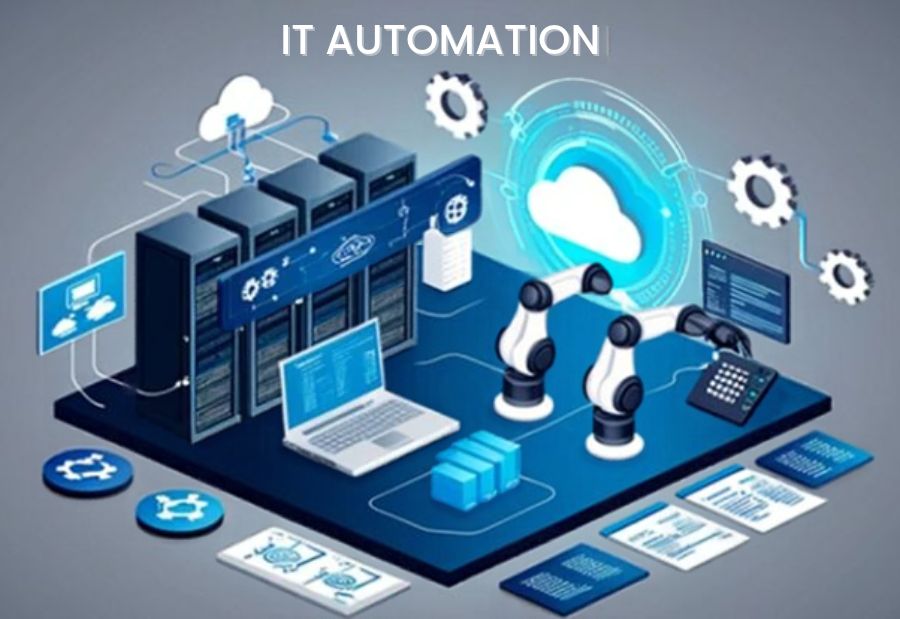
IT teams often depend on experienced specialists to handle repetitive tasks such as user provisioning, system monitoring, software deployment, incident triage and routine maintenance. Although specialist knowledge is essential for complex technical decisions, relying on highly skilled professionals for every operational task can create bottlenecks, increase costs and delay service delivery.
IT automation software helps organizations standardize routine processes and reduce the need for continuous manual intervention. By combining automation tools with well-defined workflows, businesses can make better use of specialist expertise while improving operational efficiency.
Why do IT teams depend on highly skilled resources?
Many IT operations involve repetitive tasks that require technical knowledge but follow predictable steps. For example, configuring user accounts, checking system health, applying approved updates and generating operational reports may consume considerable staff time.
When these activities depend on a small group of senior engineers, several challenges can emerge:
- Operational bottlenecks: Routine requests wait for specialists to become available.
- Higher operating costs: Highly skilled professionals spend time on tasks that could be standardised.
- Knowledge gaps: Processes may depend on undocumented knowledge held by a few individuals.
- Inconsistent execution: Manual procedures can vary between employees or teams.
- Limited scalability: Growing workloads may require additional staff if processes remain largely manual.
Automation can address many of these challenges, although complex troubleshooting, architecture decisions and high-risk changes still require qualified professionals.
5 Ways IT automation software reduces resource dependency
1. Automate repetitive IT operations
IT automation software can execute predefined workflows for routine activities such as account creation, password reset requests, log collection, system checks and scheduled maintenance.
For example, an approved onboarding workflow can create user accounts, assign standard access permissions and notify relevant teams without requiring a specialist to complete every step manually.
This reduces repetitive work and gives experienced IT staff more time for system improvements, complex incidents and strategic projects.
2. Standardize incident detection and response
Monitoring and automation tools can detect predefined conditions, create alerts, gather diagnostic information and initiate approved response actions.
When a server crosses a configured threshold, an automated workflow might collect logs, notify the responsible team and run an initial diagnostic check.
These actions help reduce manual triage. However, automated remediation should be limited to tested scenarios, with human escalation for unfamiliar incidents or actions that could affect critical services.
3. Simplify user access and provisioning
User provisioning often involves coordination between HR, IT operations, application owners and security teams. Automating standard access requests can reduce delays and improve consistency.
Identity and access management workflows can assign approved roles, record access changes and initiate access removal when an employee leaves.
Organisations should apply least-privilege principles, maintain approval requirements for sensitive permissions and regularly review automated access rules. Automation should make access management more consistent—not grant broader access by default.
4. Automate routine infrastructure management
Infrastructure automation helps teams manage configurations, deployments and recurring maintenance tasks through repeatable procedures.
Depending on the environment, tools can automate server provisioning, configuration checks, patch deployment and infrastructure changes. Infrastructure-as-code approaches can also help teams apply consistent configurations across environments.
Standardised workflows reduce dependence on individual knowledge and make it easier for teams to reproduce approved processes. Changes to production systems should still include appropriate testing, access controls, logging and rollback plans.
5. Improve knowledge sharing through runbooks
Automated runbooks combine documented procedures with executable steps for common operational tasks. They help teams respond consistently to recurring issues without requiring a senior specialist to guide every action.
For example, a runbook for a recurring service alert might collect diagnostic data, check service status and direct the incident to the correct team based on predefined conditions.
Runbooks should be documented, tested and updated as systems change. Clear escalation points are important when a situation falls outside the workflow’s defined limits.
IT automation software vs. IT automation services
IT automation software provides the tools used to build, schedule and execute automated workflows. IT automation services can include implementation support, workflow design, integration, process optimisation and ongoing management.
Organisations with experienced internal automation teams may prefer to build and maintain workflows using software. Businesses with limited internal capacity may benefit from external services to identify suitable processes, integrate tools and establish governance.
The right approach depends on existing skills, system complexity, security requirements and available budgets. Some organisations may combine internal ownership with external implementation support.
How to implement IT automation successfully
Start by identifying repetitive, high-volume tasks with clear rules and measurable outcomes. Assess each process for complexity, business impact and the consequences of an automation failure.
Next, select suitable tools, document existing procedures and define the controls required before implementation. Begin with a limited pilot, measure the results and expand only after validating reliability.
Useful measures include time saved per task, reduction in manual interventions, incident resolution time, error rates and the number of requests completed without specialist escalation. Teams should also track exceptions to ensure that automation is not simply shifting work into manual recovery.
Final Thought
IT automation software and IT automation services can help organisations reduce dependence on highly skilled IT resources for repetitive operational work. The aim is not to replace specialist expertise but to direct it towards activities that require deeper technical judgment.
For The Mainstream readers, a practical automation strategy starts with repeatable tasks, clear controls and measurable results. By standardising routine operations and documenting workflows, IT leaders can improve efficiency, strengthen consistency and make better use of scarce technical skills.